
Your cart is empty.
01
10 SECONDS
PRE-PRESS
Press the blank garment to remove moisture and flatten the fibers. Keep the surface smooth.
Your cart is empty.
A simple, reliable process for applying your 143 Transfers DTF prints.
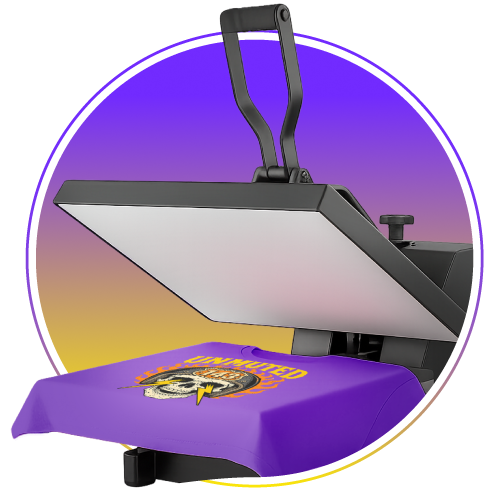
Good results begin before the transfer touches the garment.
Set your heat press to 310°F with extra-heavy pressure.
Lay the garment flat, then pre-press for 10 seconds to remove moisture and flatten the fibers.
Position the transfer carefully on the garment before pressing.
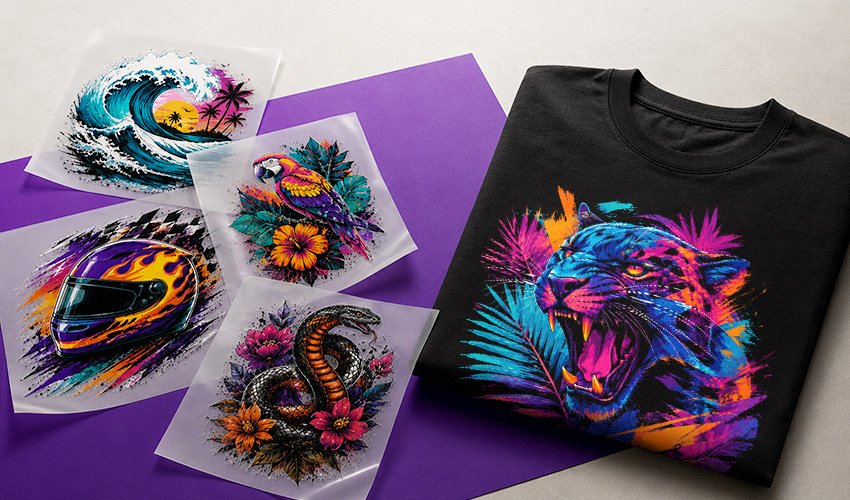
Keep this sequence close to your press.
Press the blank garment to remove moisture and flatten the fibers. Keep the surface smooth.
Place the transfer and press at 310°F using extra-heavy pressure.
Peel the carrier film off while it is hot, right after the press.
Cover the print with parchment paper and press again using extra-heavy pressure.
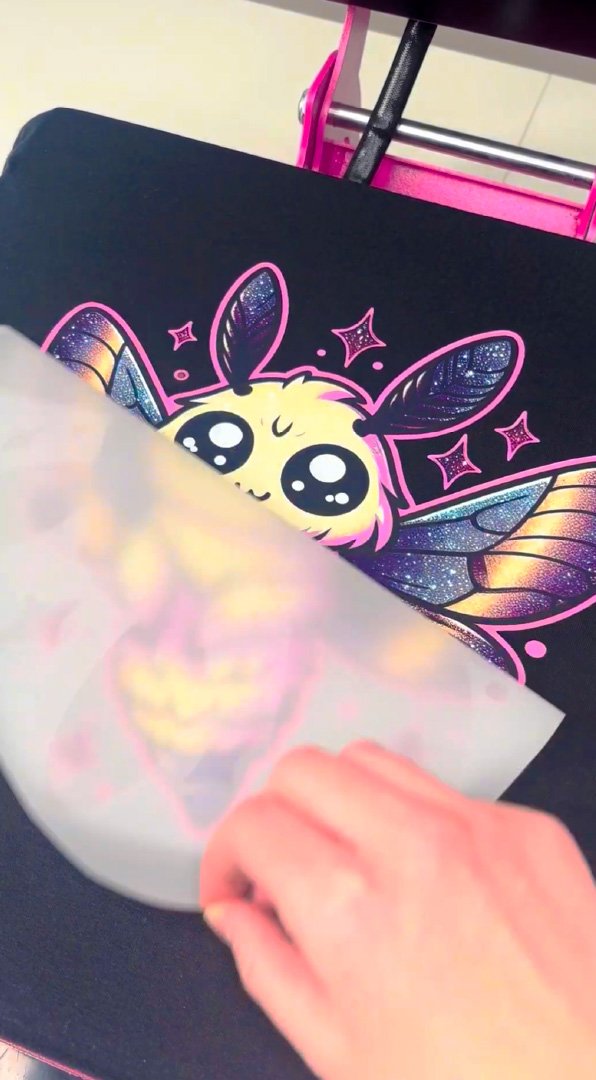
Do not let the carrier film cool before peeling.
After the first 10-second press, peel the film instantly. Then place parchment paper over the design and press for another 10 seconds. The final press completes the application.
Have your parchment paper within reach before you begin so the final press can follow smoothly.
Pre-press the garment and make sure it lies flat before positioning the transfer.
Check the full contact of the press and use the specified extra-heavy pressure and final press.
Tell us your garment, press, and what happened. Our team can help you troubleshoot.
Get your artwork ready, and we'll handle the printing.