
Your cart is empty.
 NOPE
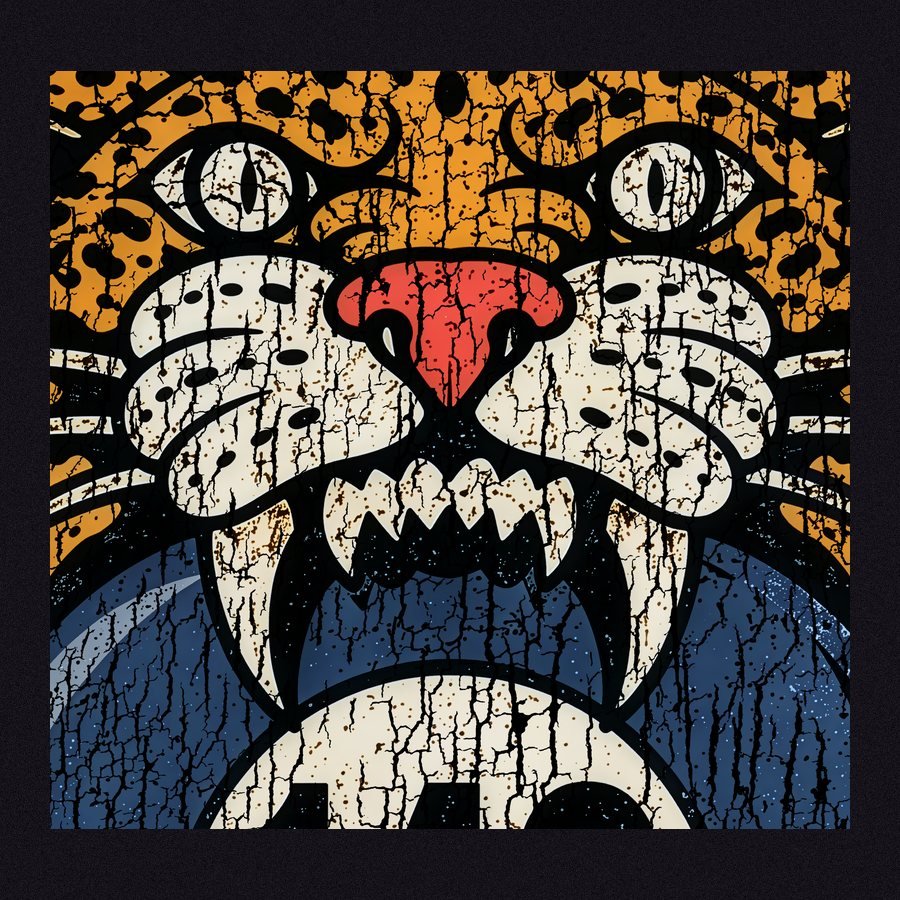 YEP
PIXEL MUSH
What happened: A tiny web image got stretched to shirt size.
Fix it: Start big. Build at the real print size at 300 DPI, or upscale it before you upload.
Your cart is empty.
Heather here (and Bela, supervising). We print exactly what you upload, every pixel, every speck, every “oops.” Here’s how to send us the good stuff.

 FILE TYPE PNG
 BACKGROUND TRANSPARENT
 RESOLUTION 300 DPI
 BUILD IT AT ACTUAL SIZE
 COLOR MODE RGB

Our printers are talented. Not psychic.
Blurry on screen? Blurry on the shirt. White box behind your design? Say hi to the white box on your shirt. We print it exactly the way you send it, so give your art a two-minute once-over first. Your shirts (and your mood) will thank you.
Zoom in to 300%. If the edges look fuzzy, blocky, or melty up close, they’ll look worse printed.
The four usual suspects, and how to fix each one in about a minute.
NOPE YEP What happened: A tiny web image got stretched to shirt size.
Fix it: Start big. Build at the real print size at 300 DPI, or upscale it before you upload.
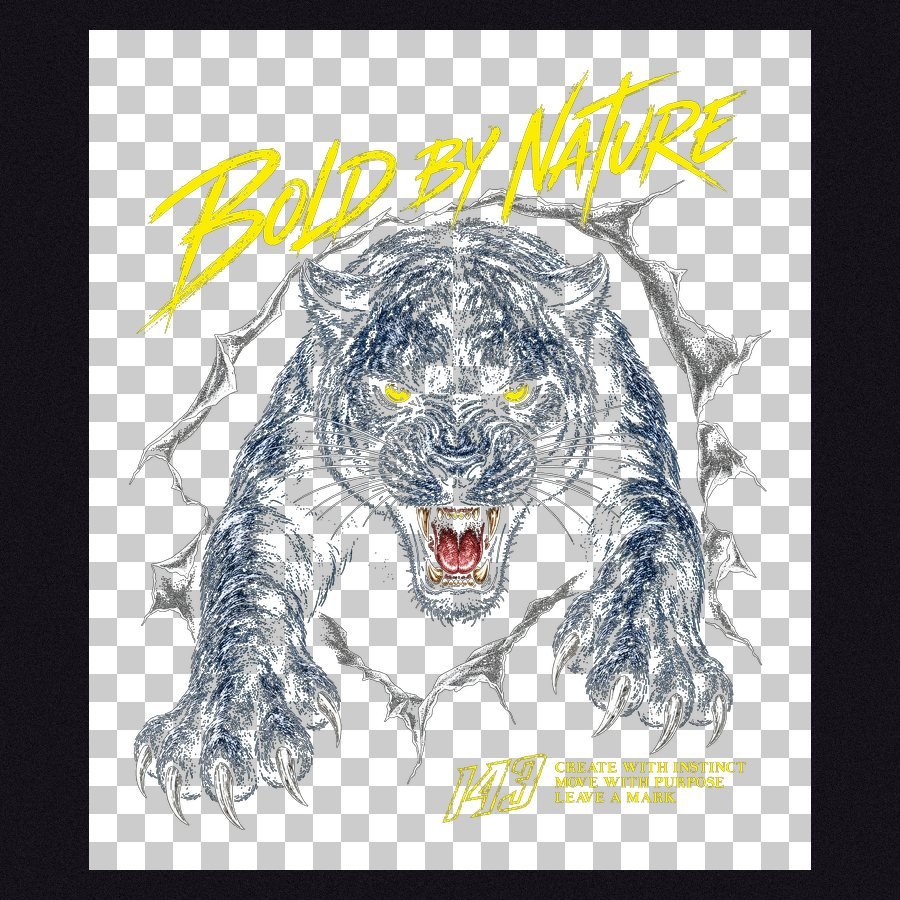 NOPE
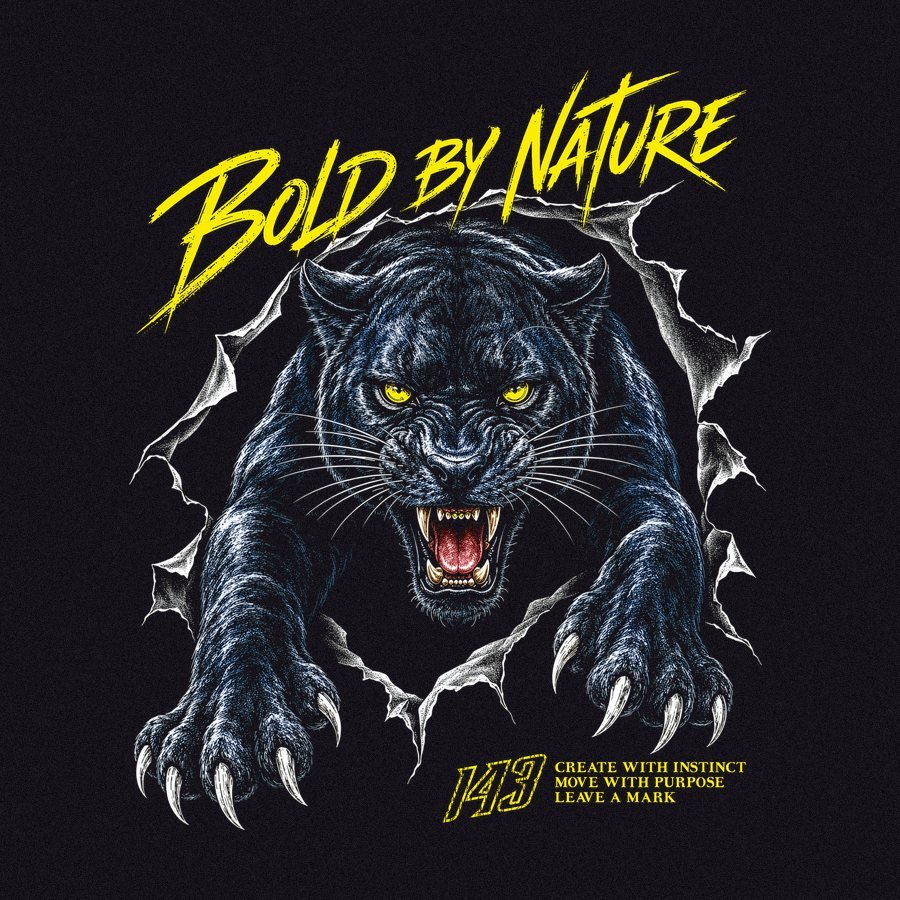 YEP
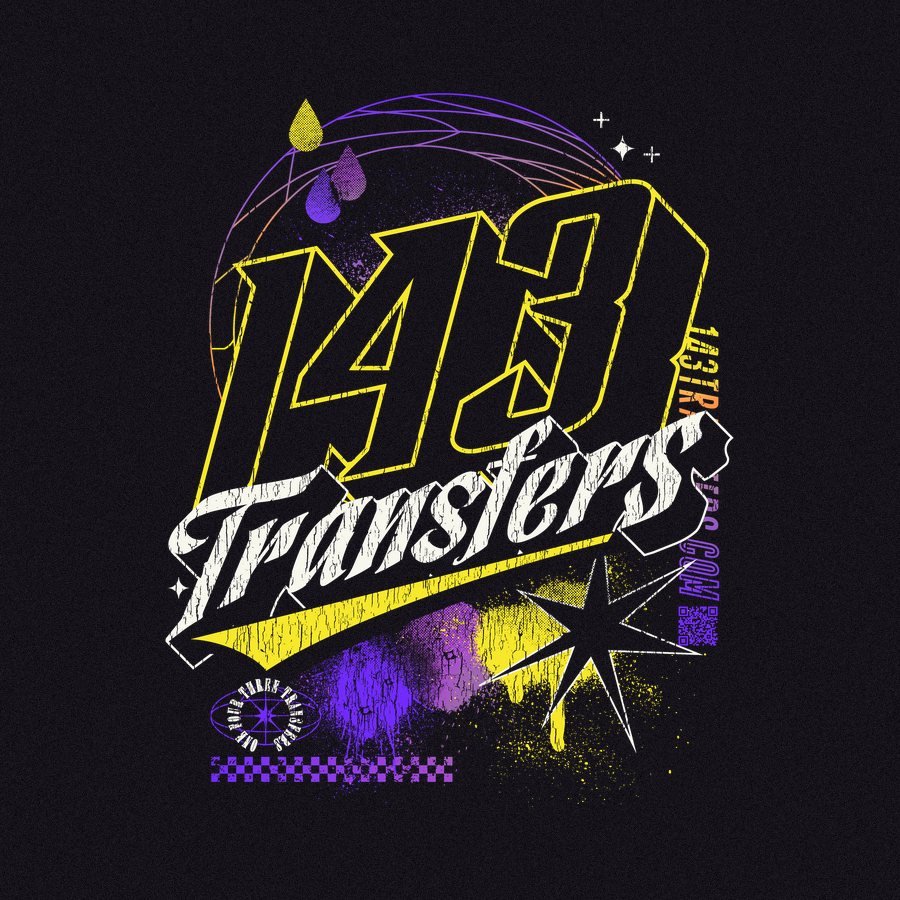
What happened: AI tools and image searches love a “transparent” background that’s really a picture of a checkerboard. We will print every little square.
Fix it: Remove the background for real and save as PNG. Drop it on a black layer to make sure.
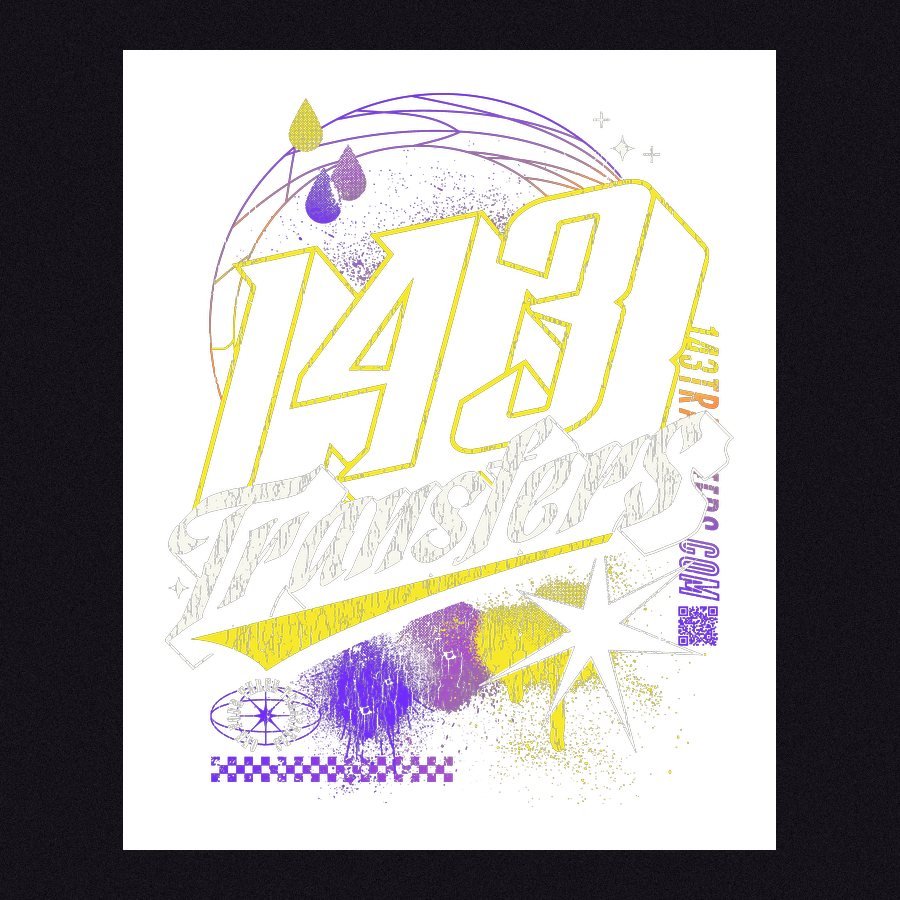 NOPE
 YEP
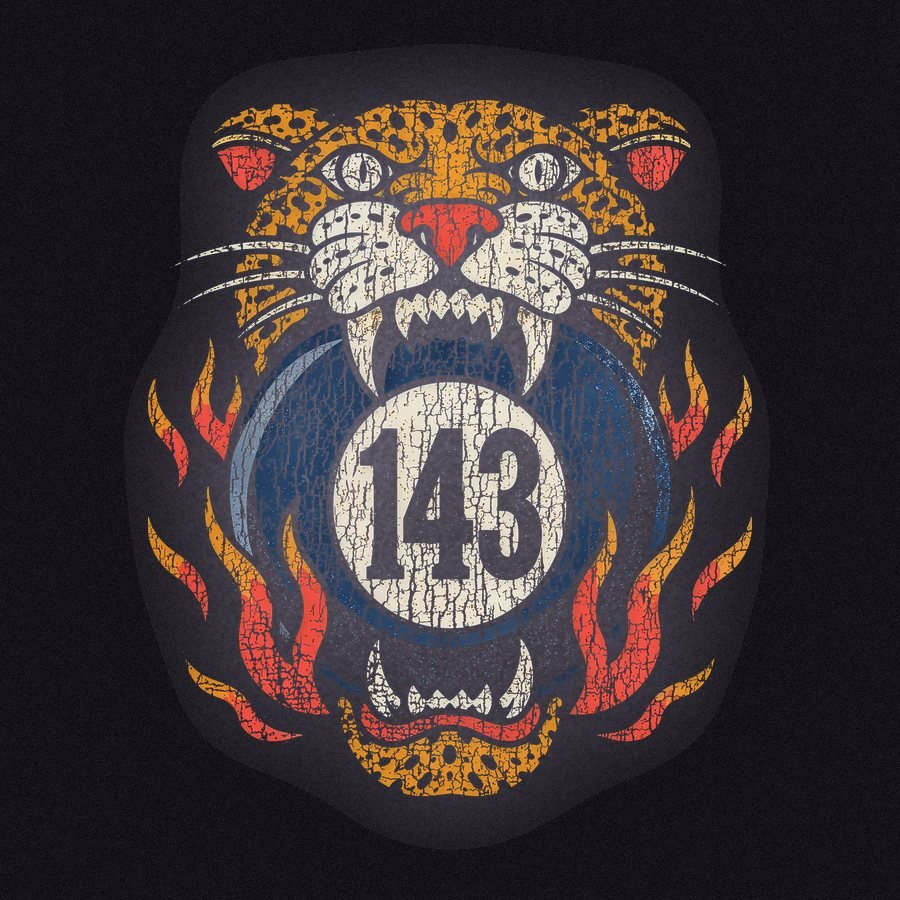
What happened: A JPG or a white background. JPGs can’t be transparent, so that box comes along for the ride.
Fix it: Delete the background and export as a transparent PNG.
 NOPE
 YEP
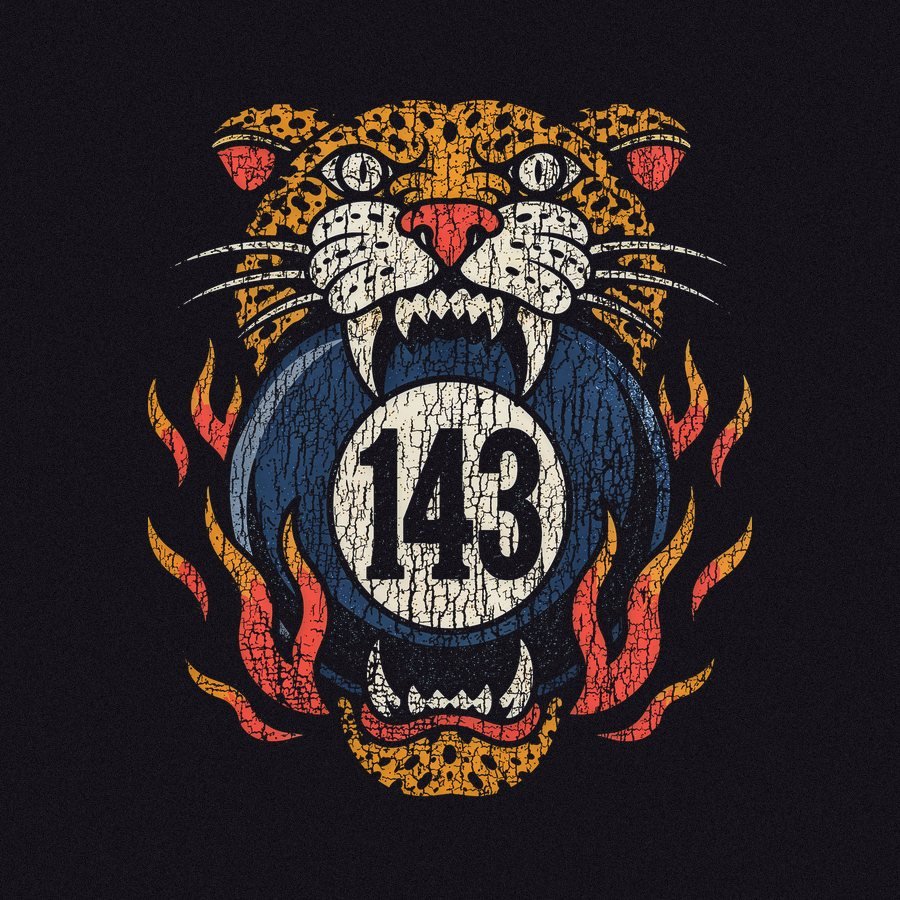
What happened: Soft shadows, glows, and faded edges. Half-see-through pixels print as a cloudy halo.
Fix it: Keep edges crisp and opacity at 100%. Want a shadow? Make it solid or halftone.
Small stuff that causes big sighs.

Hairline strokes and tiny text can break or lift. Give them some muscle before you press.

Crop tight to your design. Empty space still takes up film, and you pay for film.

Screenshots are low-res and pick up stuff you didn't mean to send. Use the original file.
No Photoshop? No problem. Two free tools do the heavy lifting.

Small or blurry? Drop it into Upscayl and upscale 2–4x. Sharper edges, no melting.

Use the Magic Wand on solid backgrounds, then hit Delete. Check it on a black layer for leftover specks.

Image Size: your real print size at 300 DPI. Then Export As PNG. Done, buttercup.
A real file, start to finish, in a few minutes.
Check all six and you’re good to go.
Send it our way through Contact Us and we'll take a look before you order.

Build your gang sheet or upload one that's ready. We'll take it from here.